







 200+ Happy Creators
The Fastest Way To
Create Carousels
Create LinkedIn and Instagram carousels. AI writes every slide, designs every layout, and keeps everything on-brand.
Why your carousels
aren't getting saves.
Generic tools
Creato AI
From idea to posted
carousel in seconds.
Type one idea
Like "5 mistakes killing your LinkedIn reach" — that's it. No prompts to learn.
Pick a format
Educational, storytelling, blog, or promotional. Hit generate.
Download & post
Carousel exports as PNGs or PDF — sized perfectly for LinkedIn and Instagram.
Everything you need.
Nothing you don't.
Build Any Carousel You Imagine
Start with a blank canvas and complete creative freedom. Write your own content, customize every slide, and design a carousel that perfectly matches your idea, brand, and audience.
- Full creative control over every slide
- Drag, edit, and rearrange with ease
- Customize layouts, colors, and typography
- Built for LinkedIn, Instagram, and beyond
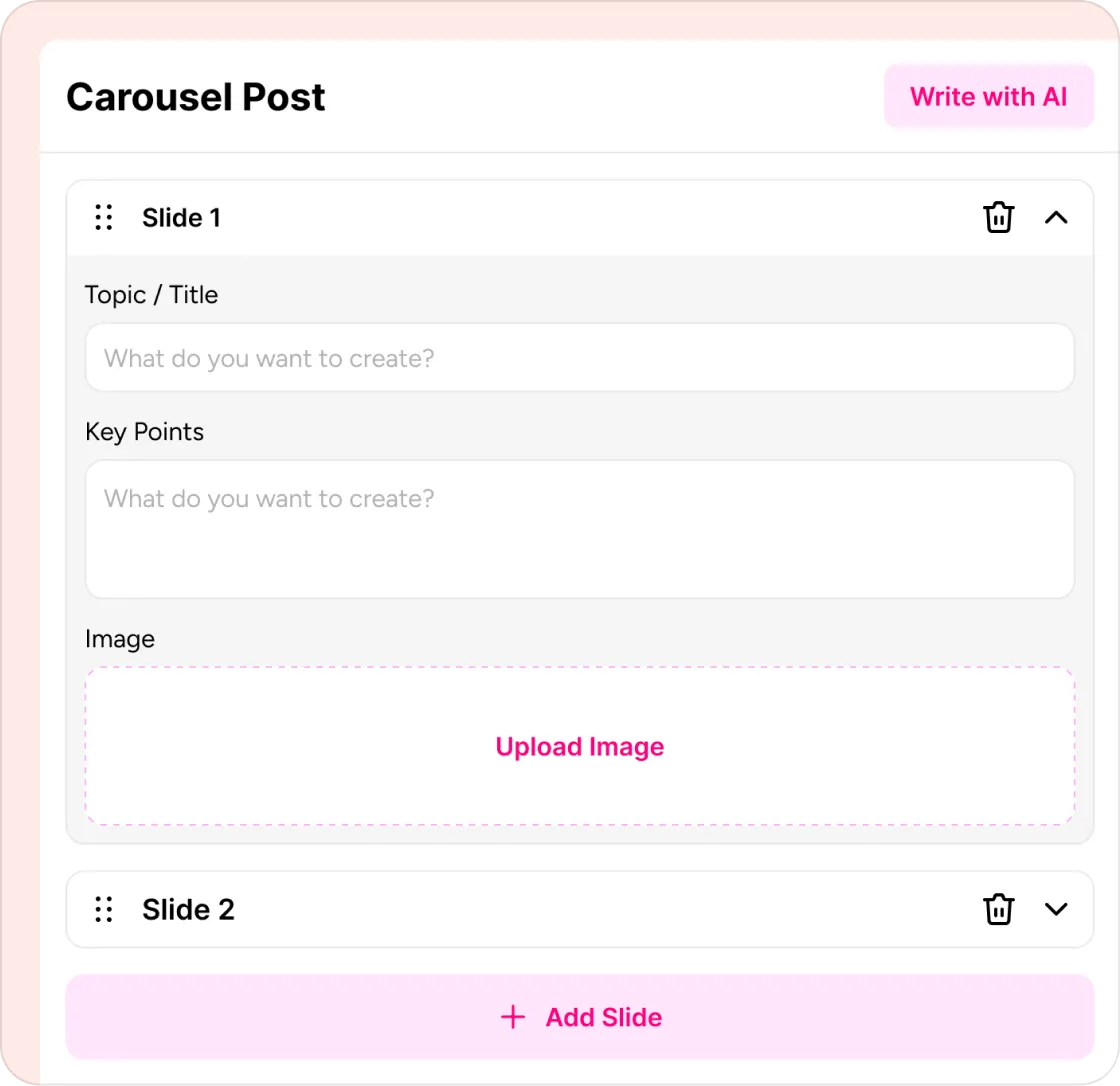
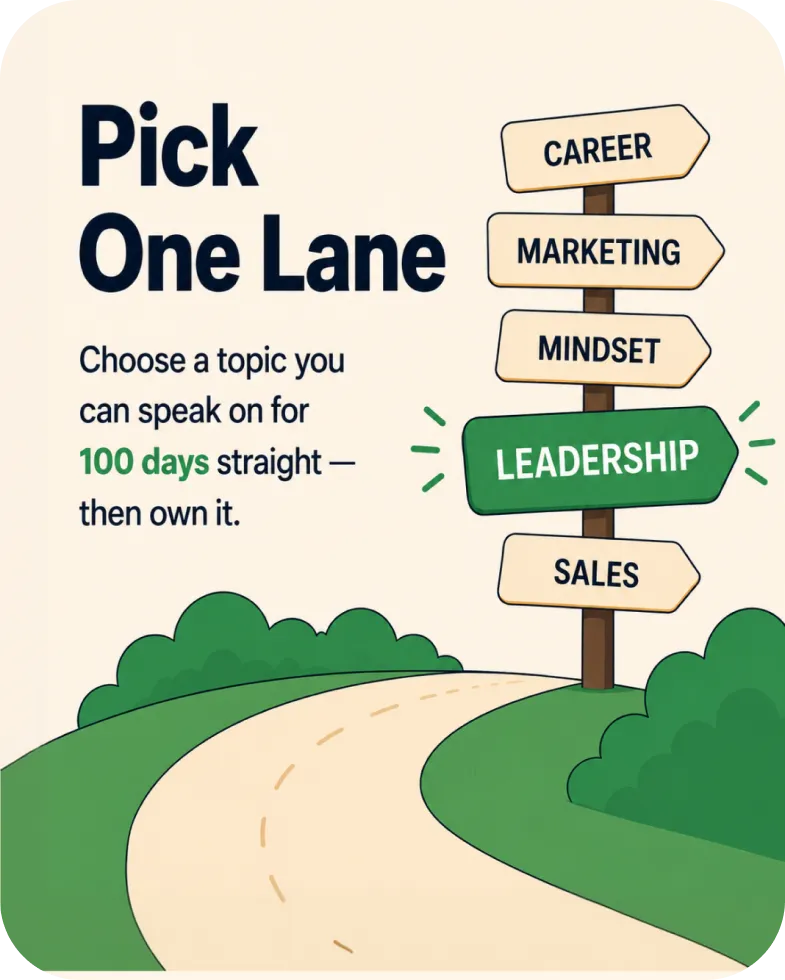
Teach One Idea, Slide By Slide
Turn complex ideas into simple, swipe-worthy lessons. Creato structures every carousel with a clear flow—from the hook to the final CTA—so your audience learns, engages, and remembers.
- Hook — Grab attention in the first slide
- Problem — Introduce the challenge your audience faces
- Key Insights — Explain one idea per slide with clarity
- Recap — Reinforce the main takeaway
- CTA — End with a clear next step that drives engagement

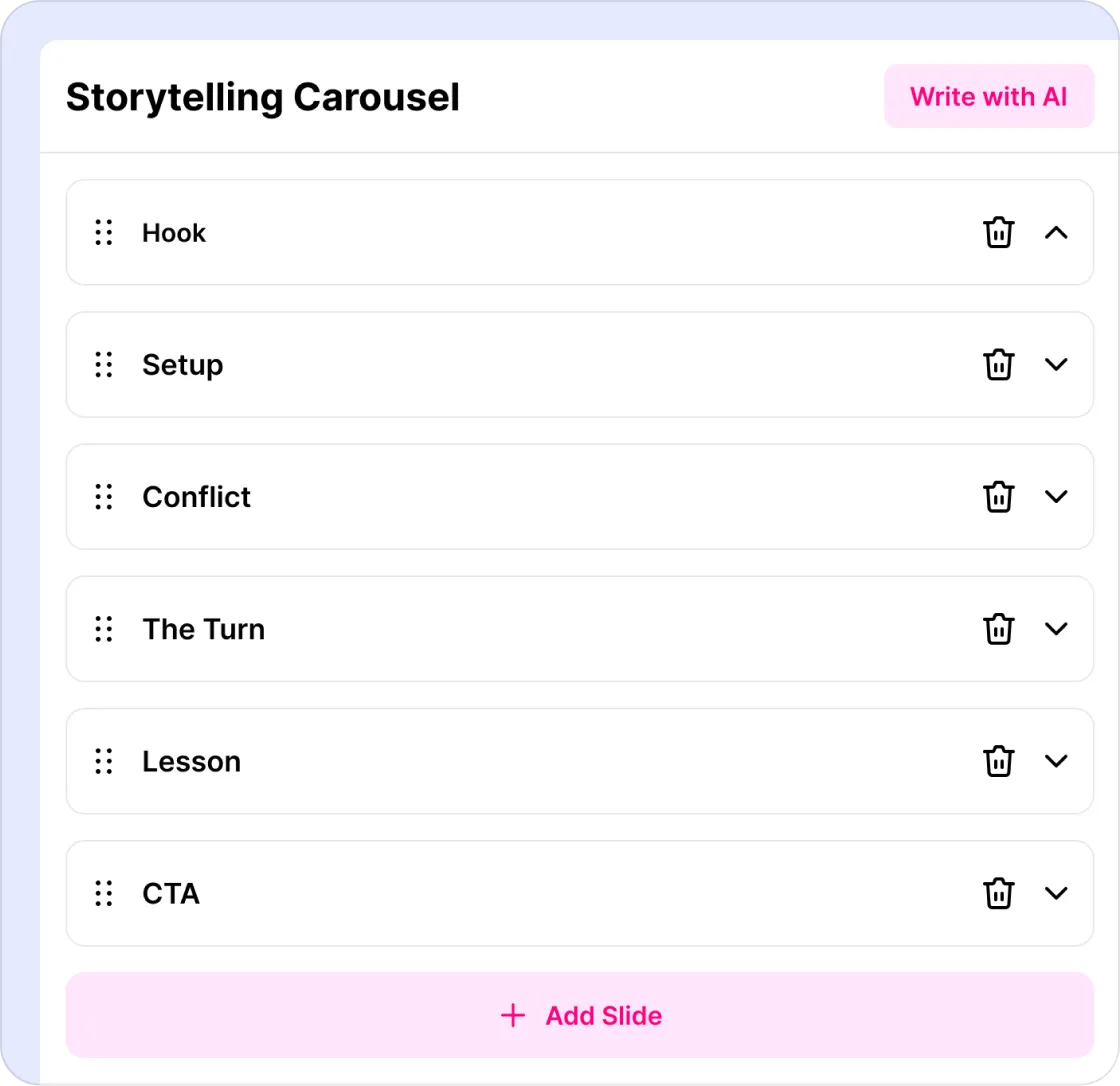
Tell Stories That Keep People Swiping
Transform personal experiences, lessons, and journeys into compelling carousel stories. Creato structures every slide to build curiosity, create emotion, and keep readers swiping to the end.
- Hook — Capture attention with a powerful opening
- Setup — Introduce the context and situation
- Conflict — Present the challenge or obstacle
- Lesson — Share the key takeaway
- CTA — Invite readers to engage or take action
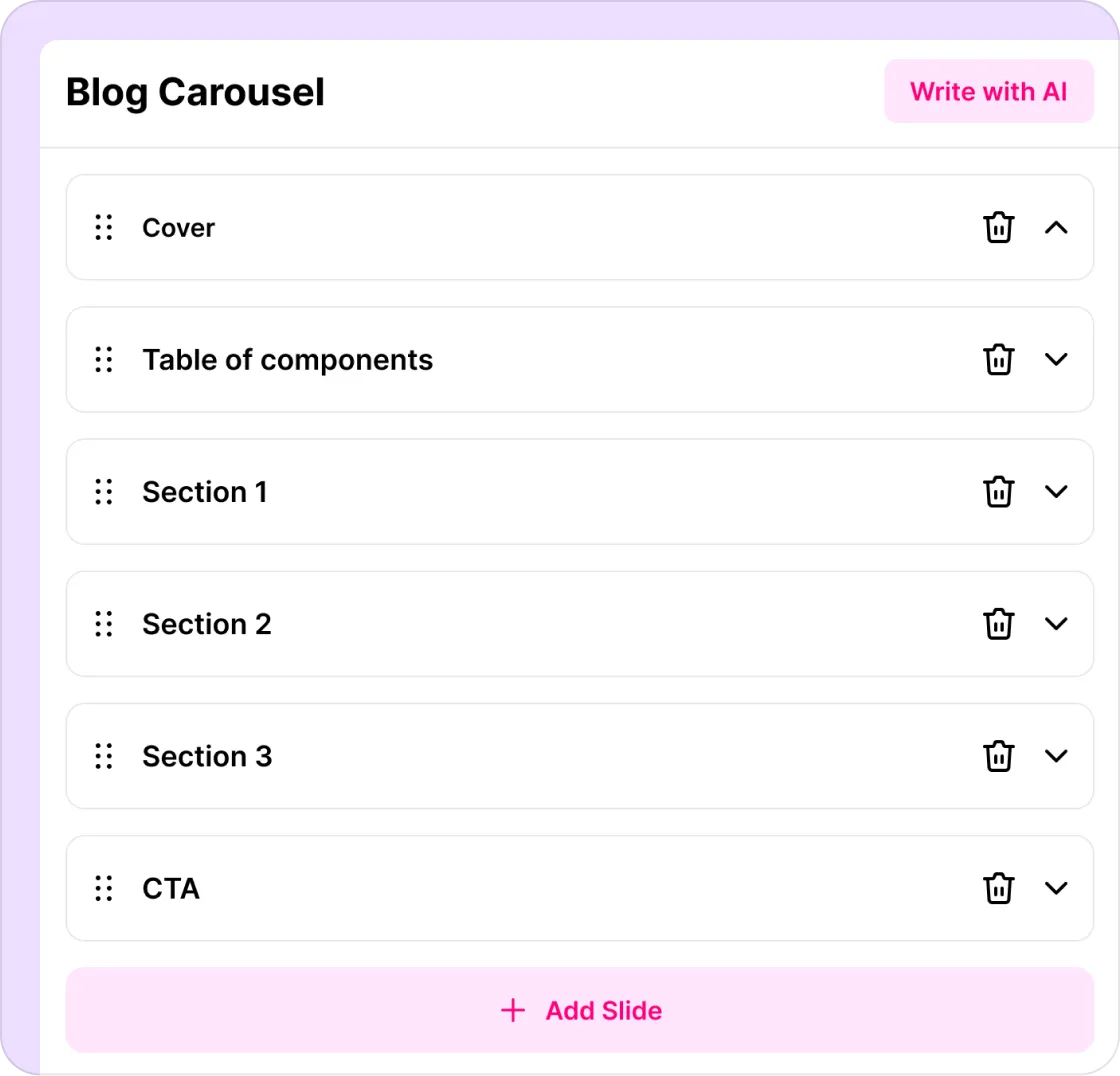
Transform Articles Into Viral Carousels
Repurpose blog posts, newsletters, or articles into engaging carousel slides in seconds. Creato extracts the key ideas, writes concise slide copy, and designs a ready-to-publish carousel automatically.
- Cover — Capture attention with a compelling headline
- Table of Contents — Preview the key topics at a glance
- Sections — Break down ideas into clear, easy-to-follow slides
- CTA — Encourage readers to take action
Everything you need to
grow with carousels.
Scroll-stopping hooks
Cover-slide formulas trained on top-performing carousels.
Slide copy that flows
Each slide builds on the last and lands a CTA that converts.
4 proven formats
Educational, storytelling, blog, and promotional — picked for your goal.
Your brand, locked in
Colors, fonts and tone applied automatically across every slide.
Edit anything in one click
Swap a headline, regenerate a slide, change the style instantly.
LinkedIn + Instagram ready
Exports sized and styled for the platforms that drive growth.
Real creators.
Real results.
I used to write with ChatGPT and design in Canva. Creato combines both into one workflow and saves me time on every single post.
No blank page. No design stress. Just ideas transformed into ready-to-publish content that actually looks professional.
Every post looks polished and stays on-brand without spending hours adjusting layouts. My clients noticed before I even told them I changed tools.
Instead of designing every slide myself, I just describe my idea and Creato does the rest. What used to take two hours now takes three minutes.
Instead of switching between ChatGPT, Canva, and Figma, I now create everything in one place. My output tripled and my stress halved.

The AI understood exactly what I wanted. I barely had to edit anything before publishing. Nothing else I have tried comes close.

Instead of staring at a blank page for an hour, I have finished content in minutes. Creato removed the biggest bottleneck in my week.

Creato replaced my copywriter, carousel designer, and thumbnail tool. One subscription. Better output than all three combined.

My carousels used to look like everyone else's. Now they actually stop the scroll. Three clients have asked who made them.

Simple, honest pricing.
- 200 Credits
- 50+ Images generated
- Access all templates
- Fastest generation speed
- Creator profile brain
- Access all templates
- Visual library
- 600+100 credits
- 200+ Images generated
- Access all templates
- Fastest generation speed
- Full creator profile brain
- Access all templates
- Visual library
Carousel questions?
Answered.
Got questions? Here are clear answers to help you understand our process
Yes. Creato exports your carousel sized perfectly for both LinkedIn (1080×1350 PDF) and Instagram (1080×1080 or 1080×1350).
Choose between 5 to 10 slides per carousel. AI writes a hook slide, value slides, and a closing CTA slide.
Yes — Creato writes the hook, every slide, and the call-to-action. You can edit any line in seconds.
Yes. Set your colors, fonts and tone once in your creator profile. Every carousel auto-applies them.
Yes. Click any slide to rewrite the copy, regenerate the visual, or switch layout — no design skills needed.
Educational, storytelling, blog, and promotional — the four formats top creators use to grow.
Your next viral carousel
is one sentence away.
Stop spending Sunday nights designing slides. Drop your idea, pick a format, and post a carousel that actually gets saved.