


 200+ Happy Creators
Better Thumbnail
More Clicks & Views
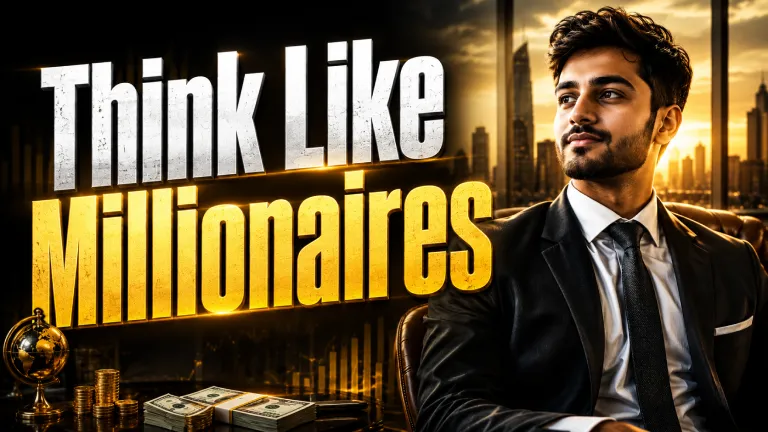
Create click-worthy YouTube thumbnails with AI in seconds.
Same video.
Twice the clicks.
Generic tools
Creato AI
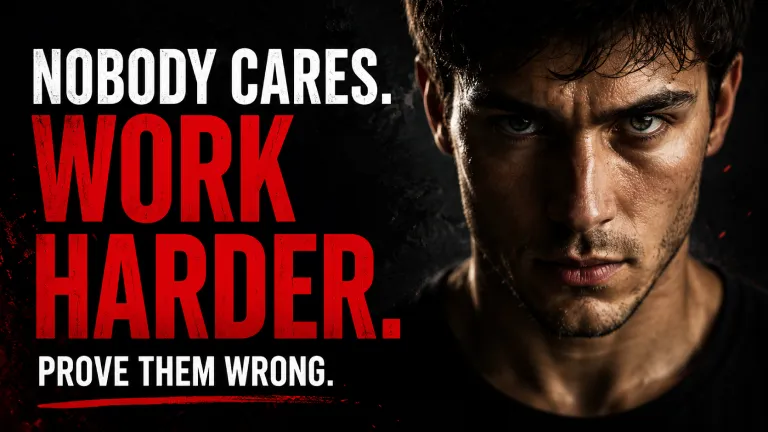
Click-worthy thumbnails.
In three steps.
Describe the video
One sentence: "My reaction to the new iPhone." That's all Creato needs.
Pick a thumbnail style
Reaction, podcast, tutorial, or before/after — proven layouts for each.
Download in 1280×720
YouTube-perfect dimensions, ready to upload right now.
Everything you need.
Nothing you don't.
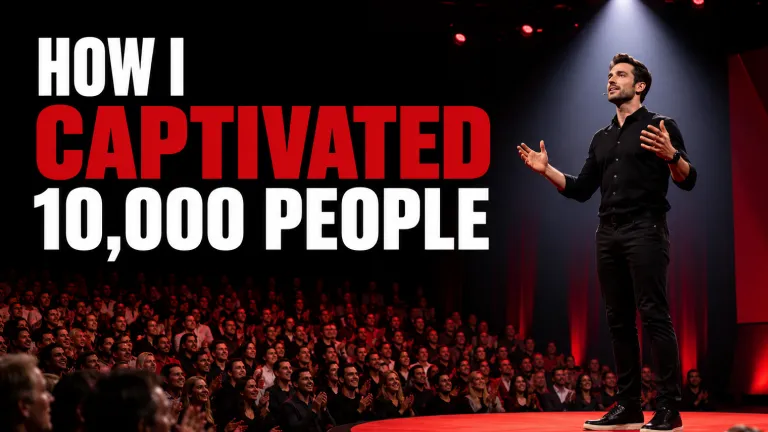
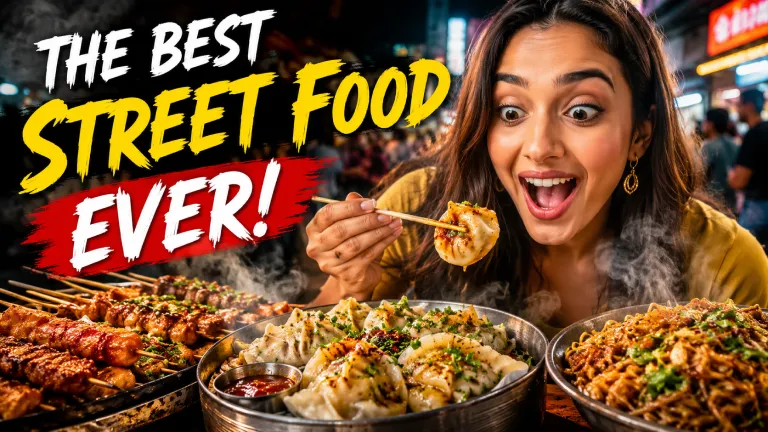
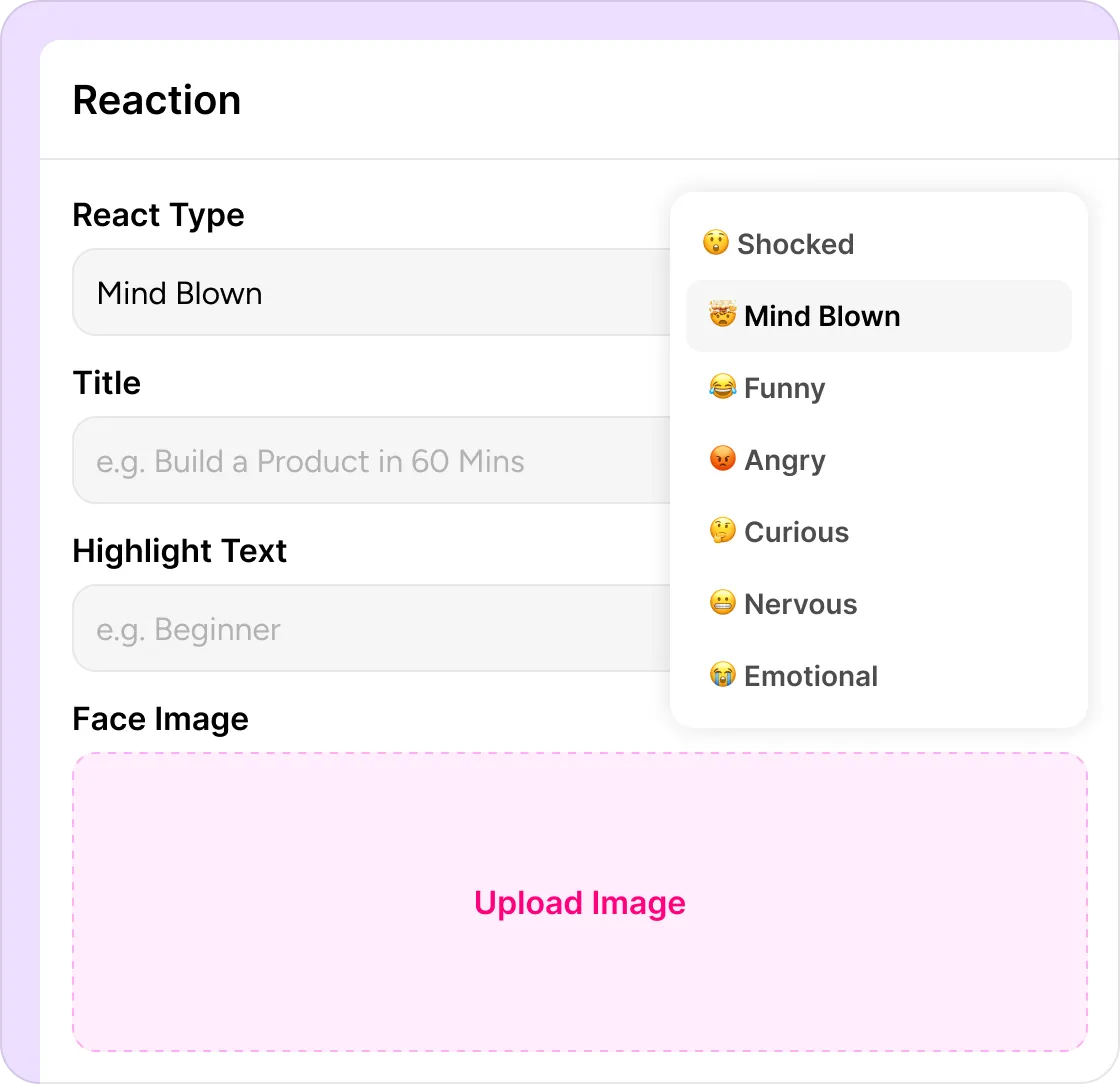
Capture Reactions People Can't Ignore
Generate expressive reaction thumbnails with bold emotions, attention-grabbing text, and high-impact layouts designed to maximize clicks.
- Reaction Type — Choose emotions like Shocked, Funny, Curious, or Angry.
- Title — Create a short, click-worthy headline.
- Highlight Text — Emphasize the key takeaway.
- Face Image — Upload a reaction photo.
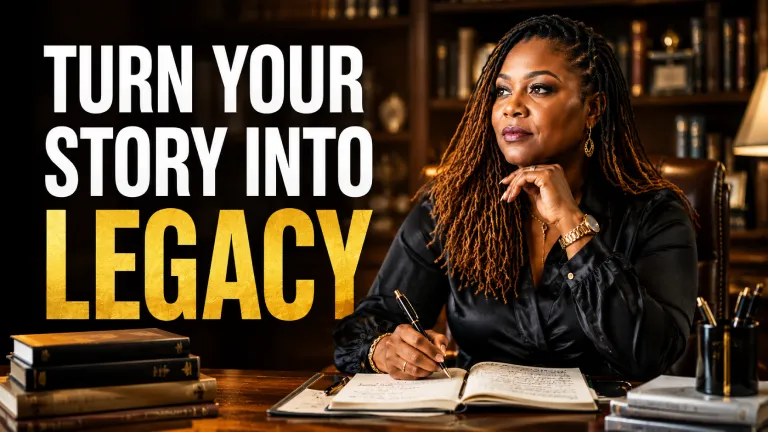
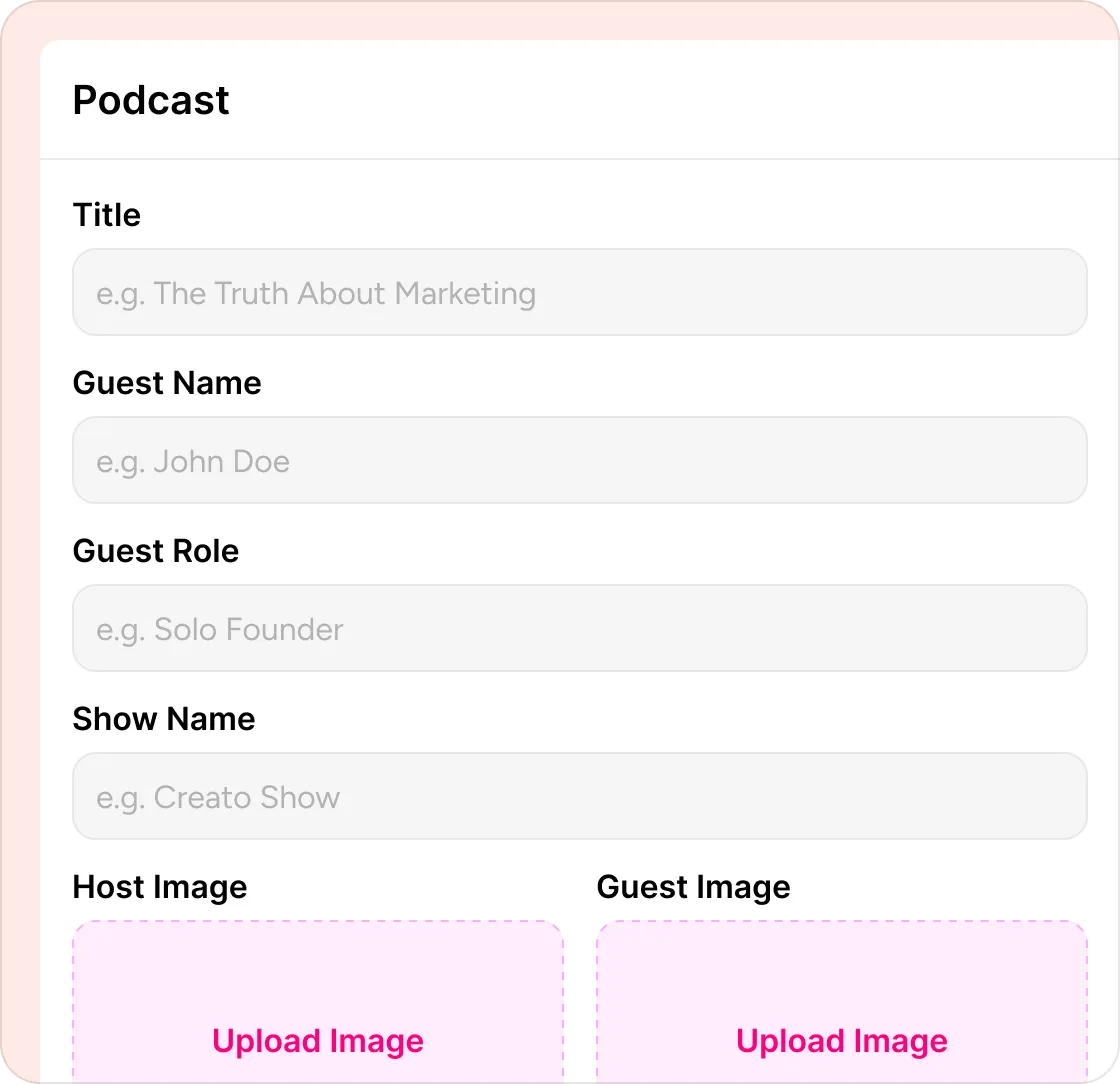
Create Podcast Covers That Get Clicked
Design professional podcast thumbnails that showcase your guest, topic, and brand in seconds — perfect for YouTube, Spotify, and social media.
- Title — Highlight your episode instantly.
- Guest Details — Add guest name and role.
- Host & Guest Photos — Showcase both speakers.
- Show Name — Keep your branding consistent.
- Ready to Publish — Export in high resolution.
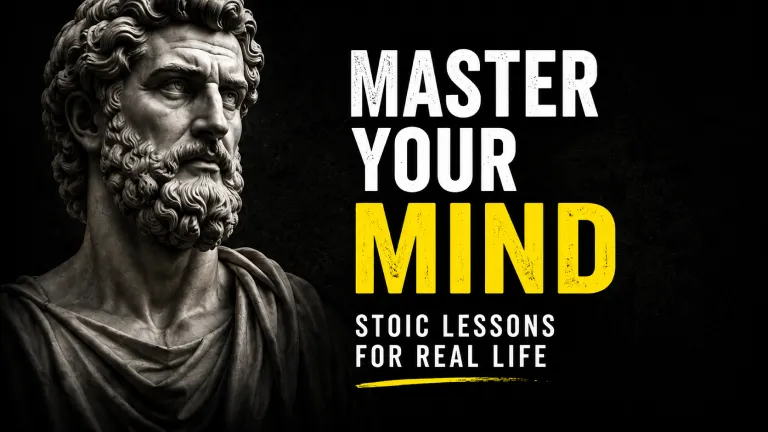
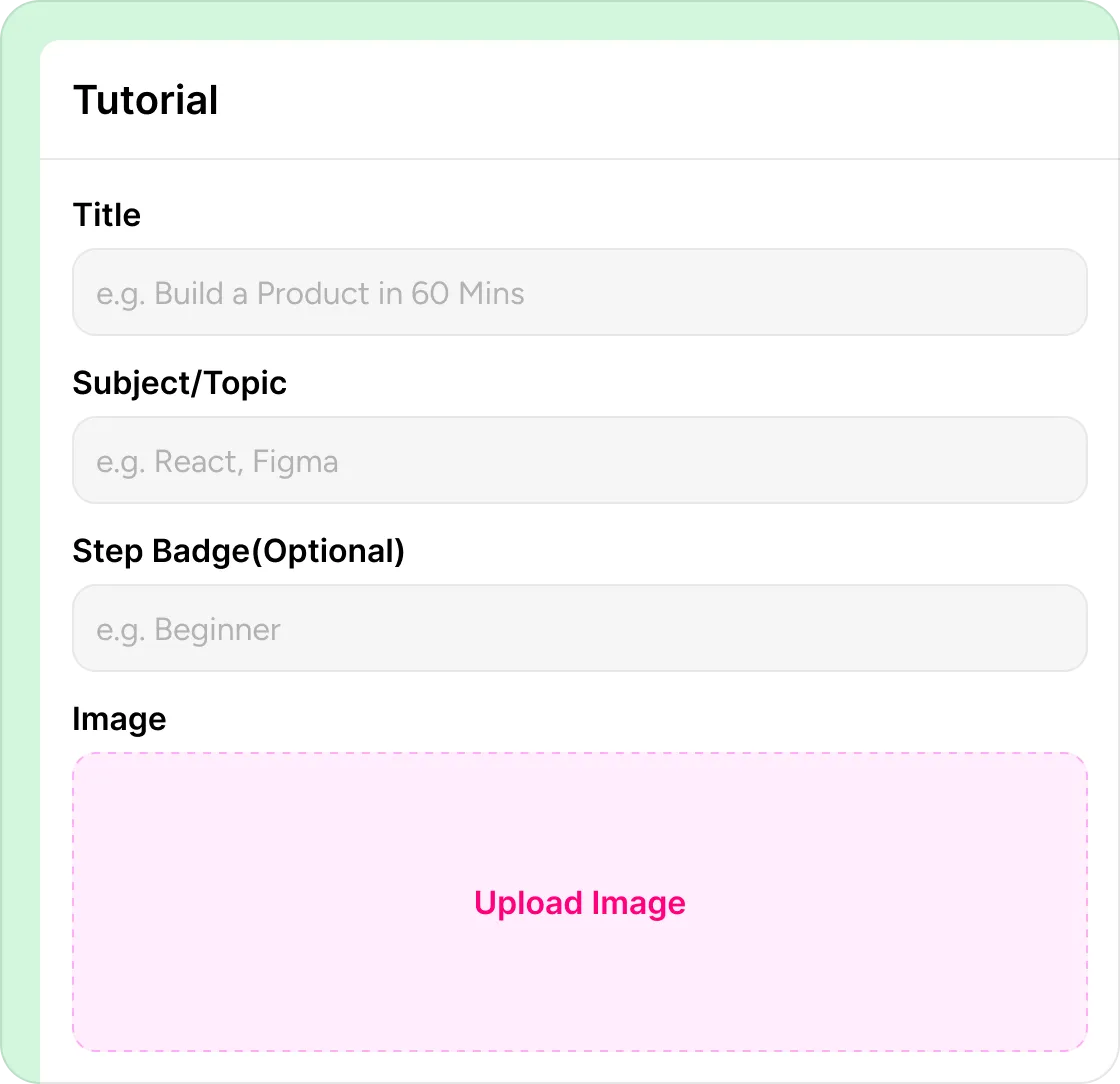
Teach Skills That Earn More Views
Create educational thumbnails with clear titles, bold visuals, and layouts designed to attract curious learners.
- Title — Highlight what viewers will learn.
- Topic — Clearly define the subject.
- Difficulty Badge — Show beginner, intermediate, or advanced.
- Image — Upload a relevant visual or screenshot.
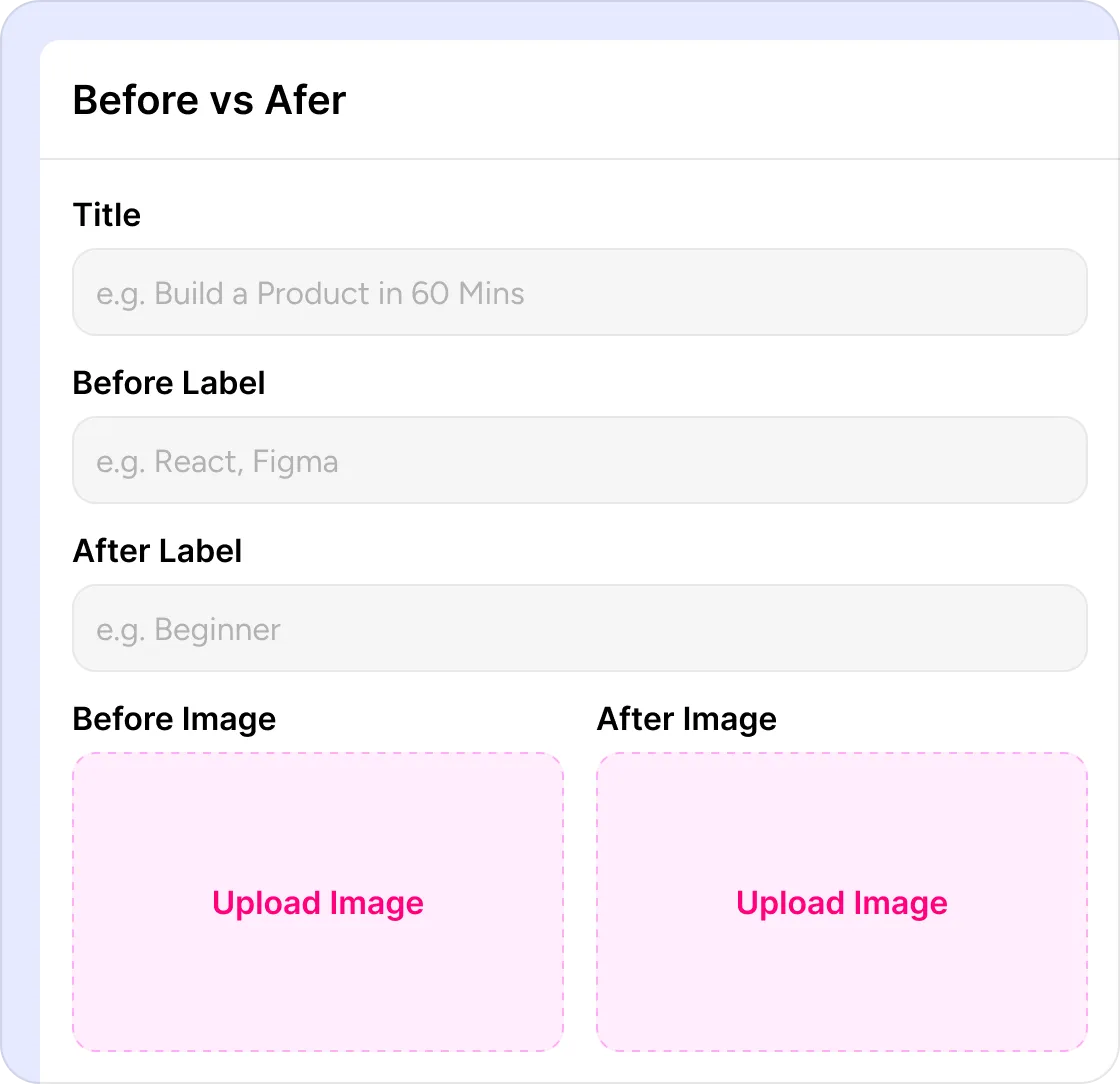
Show Transformations That Stand Out
Highlight dramatic improvements with side-by-side comparisons that instantly communicate value and results.
- Headline — Introduce the transformation.
- Before Label — Show the starting point.
- After Label — Highlight the final outcome.
- Comparison Images — Display both visuals side by side.
- CTA — Encourage viewers to learn more.
Everything you need
for a higher CTR.
Layouts that earn the click
Patterns from top-performing thumbnails baked into every output.
Reaction thumbnails
Expressive faces, bold text, instant emotional pull.
Podcast thumbnails
Guest-name layouts that feel premium and recognizable.
Tutorial thumbnails
Number callouts and step labels that signal value fast.
Before / After
Show the transformation upfront — the highest-converting layout on YouTube.
One-click variations
Generate 5 thumbnails for A/B testing — pick the winner in seconds.
Real creators.
Real results.
I used to write with ChatGPT and design in Canva. Creato combines both into one workflow and saves me time on every single post.
No blank page. No design stress. Just ideas transformed into ready-to-publish content that actually looks professional.
Every post looks polished and stays on-brand without spending hours adjusting layouts. My clients noticed before I even told them I changed tools.
Instead of designing every slide myself, I just describe my idea and Creato does the rest. What used to take two hours now takes three minutes.
Instead of switching between ChatGPT, Canva, and Figma, I now create everything in one place. My output tripled and my stress halved.

The AI understood exactly what I wanted. I barely had to edit anything before publishing. Nothing else I have tried comes close.

Instead of staring at a blank page for an hour, I have finished content in minutes. Creato removed the biggest bottleneck in my week.

Creato replaced my copywriter, carousel designer, and thumbnail tool. One subscription. Better output than all three combined.

My carousels used to look like everyone else's. Now they actually stop the scroll. Three clients have asked who made them.

Simple, honest pricing.
- 200 Credits
- 50+ Images generated
- Access all templates
- Fastest generation speed
- Creator profile brain
- Access all templates
- Visual library
- 600+100 credits
- 200+ Images generated
- Access all templates
- Fastest generation speed
- Full creator profile brain
- Access all templates
- Visual library
Thumbnail questions?
Answered.
Got questions? Here are clear answers to help you understand our process
1280×720 — YouTube's recommended size. Also exports a vertical version for Shorts and Reels.
Yes. AI suggests punchy, curiosity-driven titles built to lift CTR — edit any line in one click.
Yes. Upload a selfie or screenshot and Creato builds the thumbnail around you.
Reaction, podcast, tutorial, and before/after — the four layouts that dominate the top of YouTube.
Yes. Lock your colors, fonts and style — every new thumbnail matches the rest of your channel.
Yes. Generate vertical 9:16 thumbnails for YouTube Shorts, Instagram Reels and TikTok covers.
Stop losing views to
a weak thumbnail.
Type your video idea, pick a layout, download in 1280×720. Your next thumbnail is ready before you finish your coffee.