

Best AI Carousel Generator in 2026: 6 Tools Compared
Creating high-quality carousels no longer requires hours in Canva or Figma. The best AI carousel generator can write your content, design each slide, and prepare it for publishing in minutes, not hours. Our verdict after testing: Creato is the best AI carousel generator in 2026 overall, Contentdrips wins for bulk production, and Canva remains best for hands-on designers.
But finding the right tool is not about which one has the most features. It is about which one actually saves you time without sacrificing quality. We tested six of the most popular AI carousel tools by generating the same topic — "7 habits of top LinkedIn creators" — across each one to see which delivers the best output for creators, founders, and marketers.
In this guide, we compare Creato, Aicarousels, Postnitro, Canva, Figma, and Contentdrips on the metrics that actually matter: AI writing quality, design output, brand consistency, speed, and price. No fluff. Just what each tool does well — and where it falls short.
What Is an AI Carousel Generator?
An AI carousel generator transforms a single idea into a complete multi-slide carousel — copy, layout, and formatting included. Instead of spending hours writing and designing each slide manually, the AI carousel maker handles the repetitive work so you can focus on your message.
- AI writing quality: does the copy sound like you, or generic marketing fluff?
- Design automation: does it build the layout, or do you still drag elements manually?
- Brand consistency: can you save colors, fonts, and tone once and apply them across all output?
- Speed: how long from idea to export? The best deliver in under five minutes.
- Platform support: does it optimize for LinkedIn, Instagram, and other platforms natively?
- Input flexibility: can you start from a topic, URL, PDF, or only from scratch?
Why Creators Are Switching to AI Carousel Tools
Traditional design tools like Canva and Figma are powerful — but they are built for manual editing. Every slide, every line of copy, every color choice is on you. That workflow looks like this:
- Research your topic
- Write slide-by-slide copy
- Design each slide from scratch
- Find or create illustrations
- Check brand consistency across every slide
- Export and resize for each platform
By the time you are done, you have spent one to three hours on a single carousel. And you are doing it again tomorrow. In the AI carousel vs manual design comparison, AI collapses that entire workflow into one step: you enter your idea, and the AI writes the copy, designs the layout, applies your brand, and exports the finished file in minutes.
The result: creators who used to publish once a week now publish three times a week. Without hiring a designer. Without learning design software. Without sacrificing quality. That is why creators, founders, and marketers are switching — not because AI is trendy, but because it removes the bottleneck between having an idea and hitting publish.
The 6 Best AI Carousel Generators Compared
Here is the side-by-side breakdown. We generated the same carousel topic — "7 habits of top LinkedIn creators" — on every platform and timed each run from first input to final export.
Creato
Best Overall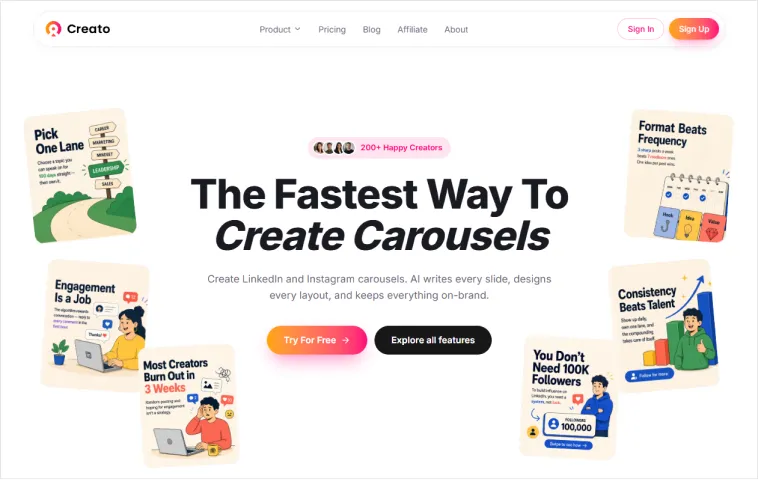
Creato is the only tool we tested that handles the entire carousel workflow from a single prompt. You describe your idea, select a format (educational, storytelling, promotional, or testimonial), and the AI carousel generator writes the copy, designs the slides, and applies your brand kit — all in one pass.
- AI writing: Generates hooks, body copy, and CTAs tailored to your niche and audience
- Design: Auto-layouts with clean typography, no manual dragging required
- Brand kit: Saves colors, fonts, and tone via My Identity — applied to every output
- Speed: Under 5 minutes from idea to export
- Formats: Carousels, social posts, thumbnails, headshots, cartoons, action figures
- Pricing: Free tier available; paid plans from $16/month
Best for: Creators, solo founders, and marketers who publish consistently and want one tool for their entire content workflow.
Creato has a free tier available so you can test the full workflow before paying.
Aicarousels
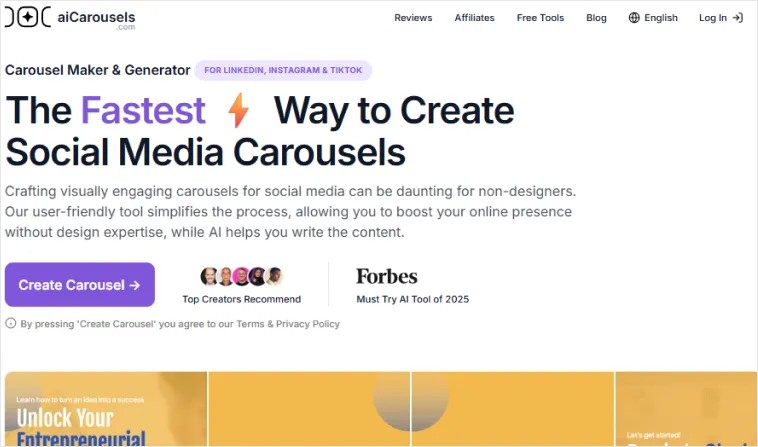
Aicarousels excels at turning existing content into carousels. Paste a URL, upload a PDF, or drop in a YouTube video link, and the carousel generator from URL or PDF extracts key points into a multi-slide format. The AI writing is competent, but the design output requires more manual adjustment than Creato.
- AI writing: Good summarization from URLs and PDFs
- Design: Templates available, but layout needs manual tweaking
- Brand kit: Limited — color and font customization is basic
- Speed: 10–15 minutes including manual adjustment
- Formats: Carousels only
- Pricing: Free tier with watermarks; paid from $15/month
Best for: Creators who want to repurpose blog posts, newsletters, or videos into carousels without starting from scratch.
Contentdrips
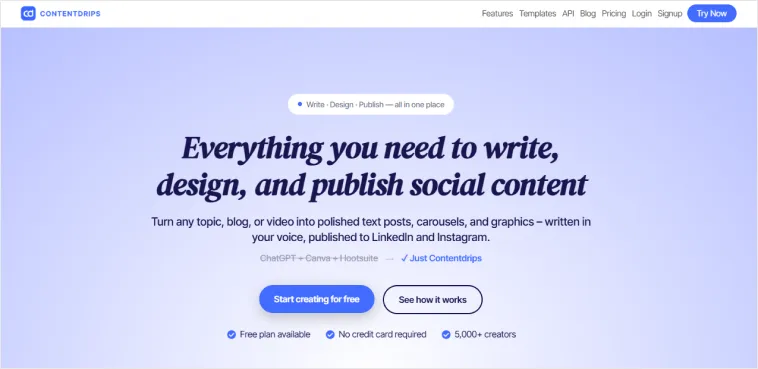
Contentdrips is built for volume. It combines AI content generation with CSV-based bulk carousel production, making it the go-to bulk carousel generator for agencies, virtual assistants, and creators who need dozens of carousels at once. It also offers API and Zapier integrations for automating carousel creation at scale.
- AI writing: Good — generates copy from topics or briefs
- Design: Template-based with bulk customization options
- Brand kit: Basic — colors and fonts can be preset
- Speed: Fast for single carousels, but shines at bulk (10+ in minutes)
- Formats: Carousels only
- Pricing: From $29/month; higher tiers for API access
Best for: Agencies, VAs, and power users who need to produce carousels at volume with CSV uploads and automation workflows.
Postnitro
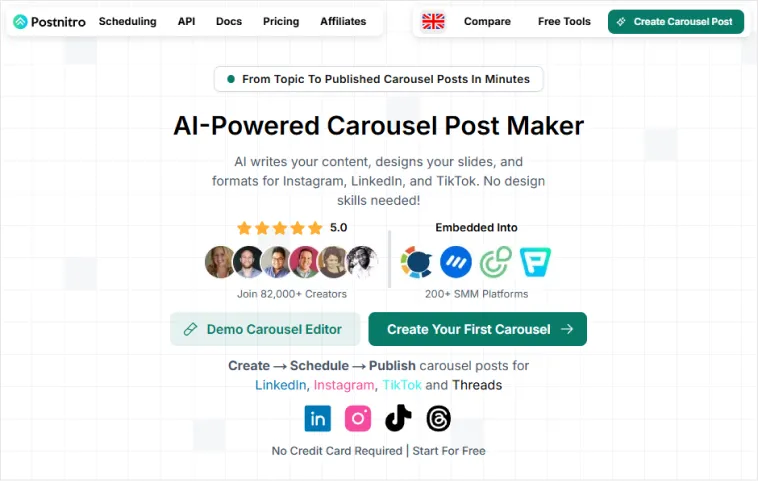
Postnitro is a solid template-based LinkedIn carousel generator with AI-assisted copy. Choose from dozens of pre-designed templates, enter your topic, and the AI fills in the text. The designs look professional, but the copy often requires heavy editing to sound authentic.
- AI writing: Basic — generates headlines and bullet points
- Design: Strong template library, easy to customize
- Brand kit: Color and font presets available
- Speed: 15–20 minutes including copy edits
- Formats: Carousels only
- Pricing: Free tier; paid from $12/month
Best for: Beginners who want a polished look quickly and do not mind editing the copy.
Canva
Canva is the most well-known design tool on this list, but its AI carousel features are limited. You get Magic Write for copy and a massive template library, but you still manually arrange slides, resize for platforms, and apply brand colors slide by slide. In the Creato vs Canva carousel test, Canva was powerful — but not fast.
- AI writing: Magic Write generates copy, but not carousel-optimized
- Design: Best template library in the industry, fully customizable
- Brand kit: Excellent — colors, fonts, logos, and assets all saved
- Speed: 30–60 minutes for a full carousel from scratch
- Formats: Everything — not just carousels
- Pricing: Free tier; Pro at $13/month
Best for: Designers and teams who want full creative control and do not mind the manual work.
Figma
Figma is a collaborative design platform used by professional designers and teams. It is not an AI carousel generator by default, but you can build carousels from scratch with pixel-perfect control using frames, auto-layout, and component libraries. Plugins like Magician or FigGPT add AI copy assistance, but the design work is entirely manual.
- AI writing: Via plugins only (Magician, FigGPT) — not native
- Design: Unlimited creative control, but fully manual
- Brand kit: Excellent — shared libraries, components, and styles
- Speed: 45–90 minutes for a full carousel from scratch
- Formats: Any size or format you can imagine
- Pricing: Free tier; paid from $12/month per editor
Best for: Professional designers, agencies, and teams who need complete creative control and already work in Figma.
Feature Comparison
Here is the at-a-glance LinkedIn carousel generator comparison for quick decision-making:
| Feature | Creato | Aicarousels | Contentdrips | Postnitro | Canva | Figma |
|---|---|---|---|---|---|---|
| AI Writing | Advanced | Good | Good | Basic | Limited | — |
| Auto-Design | Full | Partial | Template | Template | Manual | Manual |
| Brand Kit | Full | Basic | Basic | Presets | Excellent | Excellent |
| Voice Training | ✅ | — | — | — | — | — |
| Social Posts | ✅ | — | — | — | ✅ | ✅ |
| Thumbnails | ✅ | — | — | — | ✅ | — |
| Input: Topic | ✅ | ✅ | ✅ | ✅ | — | — |
| Beginner Friendly | ★★★★★ | ★★★★☆ | ★★★☆☆ | ★★★★☆ | ★★★★☆ | ★★☆☆☆ |
Which AI Carousel Generator Should You Choose?
The right tool depends on how you create and how often you publish.
- You create content every week
- You want one tool instead of six
- You need consistent branding across every post
- You publish across LinkedIn, Instagram, and other platforms
- You want to go from rough idea to ready-to-post in under 5 minutes
- You'd rather spend time creating than managing a tool stack
- You create carousels, social posts, and thumbnails — not just one format
- You want AI that learns your voice, not generic marketing copy
- You need a brand kit that applies automatically to every output
Choose Aicarousels if…
Your main workflow is repurposing existing blog posts, newsletters, or videos into carousel format. You do not need social posts or thumbnails.
Choose Contentdrips if…
You are an agency, VA, or power user who needs to produce carousels at scale. The CSV upload and API integrations make bulk production possible.
Choose Postnitro if…
You are a beginner who wants a polished look fast and does not mind editing AI-generated copy to match your voice.
Choose Figma if…
You are a professional designer or part of a design team that already lives in Figma and wants complete creative control over every pixel.
Choose Canva if…
You enjoy hands-on design, need full creative control, and have the time to build each slide manually.
Why Creato Won Our Test
Of the six tools we tested, Creato was the only one that eliminated the gap between idea and finished carousel. The others either required manual design work (Canva), produced generic copy (Postnitro), or were built for a different use case entirely (Figma, Aicarousels).
Voice Training
Creato is the only tool that learns your writing style and applies it to every carousel. The copy does not sound like AI — it sounds like you.
One-tool workflow
Carousels, social posts, and thumbnails all generated from the same prompt. No switching apps.
True automation
The AI designs the layout, picks the typography, and applies your brand kit. You review and tweak — you do not build from scratch.
Speed
Under 5 minutes from topic to export. The next fastest tool took 10 minutes and still needed manual adjustments.
Want to see the workflow end to end? Read how to create a LinkedIn carousel in 60 seconds.
Frequently Asked Questions
What is the best AI carousel generator in 2026?+
The best AI carousel generator depends on your workflow. Creato is best for all-in-one creation with AI writing, design, and branding. Canva suits hands-on designers. AIcarousels excels at repurposing existing content.
Can AI generate a full LinkedIn carousel from just a topic?+
Yes. Modern AI carousel generators like Creato can turn a single topic into a complete multi-slide carousel with copy, layout, and on-brand design in under 5 minutes.
Are AI carousel generators free?+
Most AI carousel generators offer a free tier with limited exports or watermarked slides. Paid plans typically range from $12 to $19 per month for unlimited, unbranded carousel creation.
Do AI carousel generators work for Instagram too?+
Yes. The best AI carousel generators support both LinkedIn (1080x1350px, 4:5) and Instagram (1080x1350px feed or 1080x1920px Stories) with platform-optimized export formats.
Can I use my own brand colors and fonts in AI-generated carousels?+
Yes. Most premium AI carousel generators include a brand kit feature where you can save your colors, fonts, and logo. Creato applies these automatically through its My Identity system.
Conclusion
The best AI carousel generator depends on your workflow. If you only need a quick draft, lightweight tools can help. But if you want to go from a rough idea to a polished, on-brand carousel in minutes, an all-in-one platform saves the most time.
Creato combines AI writing, automatic design, brand consistency, and AI visuals in a single workflow, helping creators spend less time designing and more time creating.
Ready to create your next carousel? Try Creato for free and turn one idea into a publish-ready carousel in minutes.
Related Blogs
View all


Start Creating Visuals That
Drive Results Today
Try Creato today. No templates that look like everyone else. No hours lost to Design. Just content that sounds and looks like you.